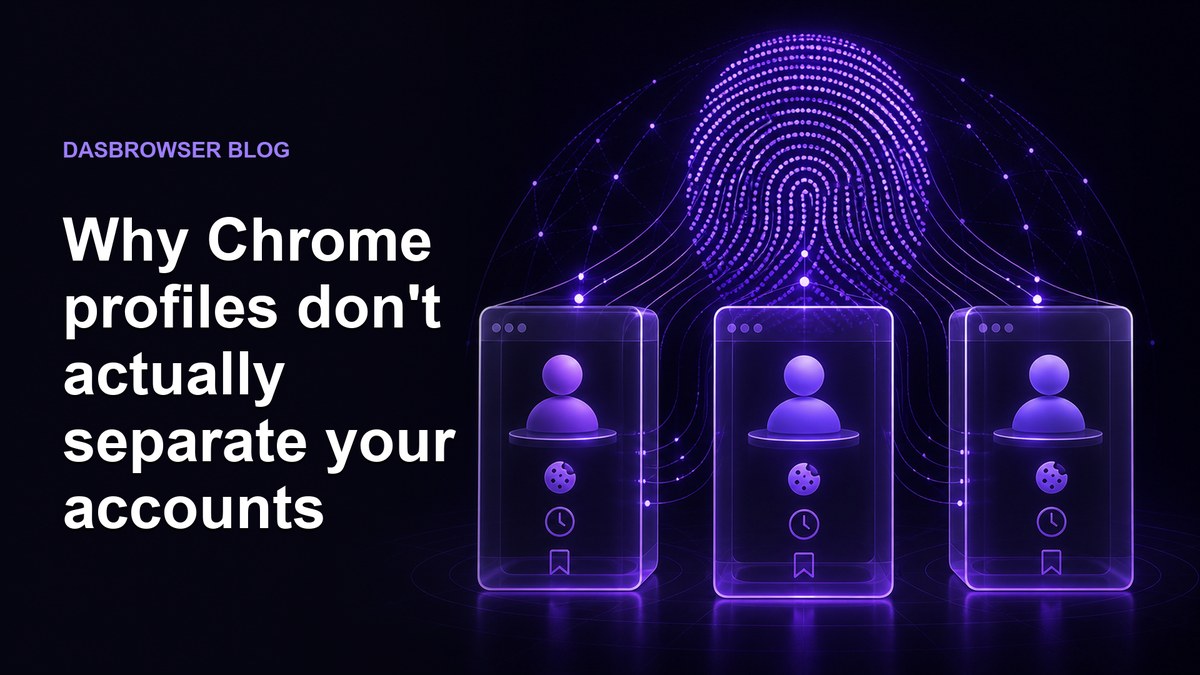
Answer: Chrome profiles separate cookies, browsing history and extensions but share your device fingerprint and IP address. Websites and ad networks use these shared signals to link your profiles together, making Chrome profiles unsuitable for real account separation.
Chrome profiles feel like separate browsers. Each one has its own bookmarks, its own saved passwords, its own history. You can even give each profile a different color and avatar. It looks like separation.
But websites do not see your bookmarks or your avatar. They see your device. And every Chrome profile on the same computer presents the same device to every website you visit.
If you are using Chrome profiles to separate your accounts (work from personal, one client from another, or multiple accounts on the same platform), your accounts may already be linked in ways you cannot see. The same is true if you spread accounts across different Chromium-based browsers like Chrome, Edge, Brave, Opera, or Vivaldi. They all run on the same engine, on the same hardware, behind the same IP address, so fingerprinting scripts see the same device regardless of which browser icon you clicked.
What Chrome profiles actually isolate
Chrome profiles do separate some things. Understanding what they isolate and what they do not is the key to knowing when they are enough and when they are not.
| Signal | Isolated per profile? | Why it matters |
|---|---|---|
| Cookies | Yes | You can log into different accounts without them interfering |
| Browsing history | Yes | Each profile keeps its own history |
| Saved passwords | Yes | Credentials stay in their own profile |
| Extensions | Yes | Each profile can run different extensions |
| Bookmarks | Yes | Organizational separation |
| IP address | No | Every profile uses the same internet connection |
| Browser fingerprint | No | Same GPU, fonts, screen, audio stack across all profiles |
| Screen resolution | No | Hardware signal shared across all profiles |
| Timezone and language | No | OS-level settings visible to every profile |
| Installed fonts | No | Font list is a strong fingerprinting signal |
The things Chrome profiles isolate are local data, stored on your device for your convenience. The things they do not isolate are identity signals that websites read to figure out who you are.
The fingerprint problem
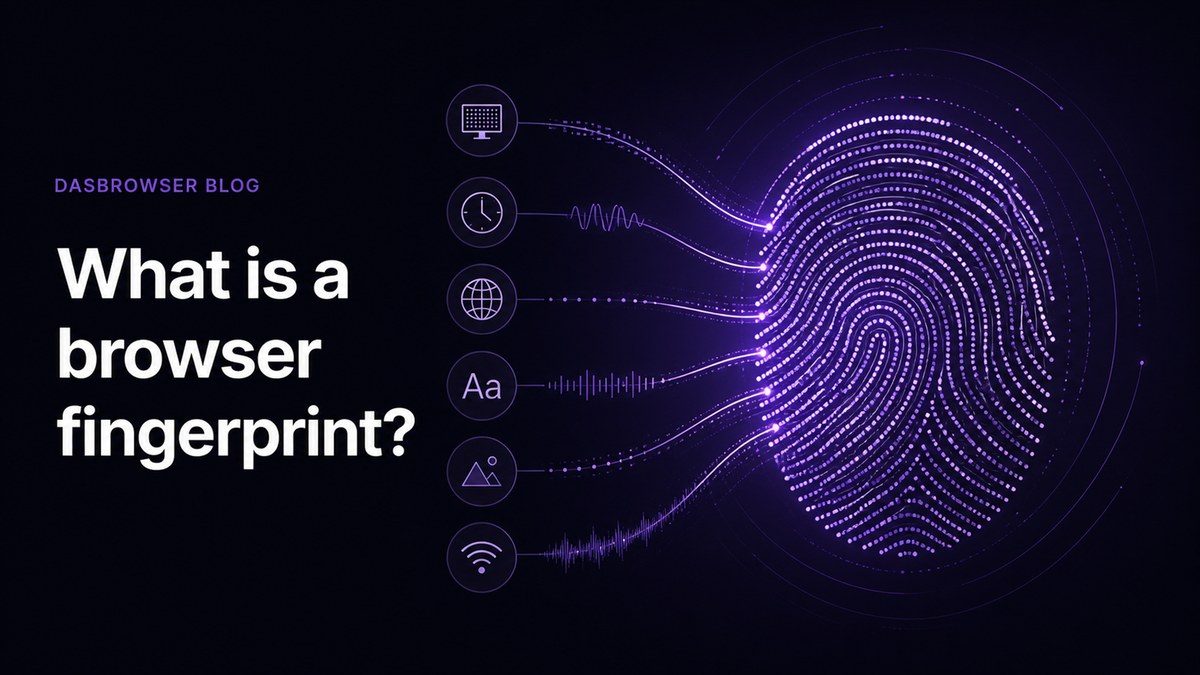
A browser fingerprint is a combination of technical details your browser exposes to every website you visit: your screen resolution, graphics card, installed fonts, timezone, language settings, operating system, audio processing characteristics and dozens more. Together, these details create a profile so distinctive that research from the Electronic Frontier Foundation found 83.6% of browsers have a completely unique fingerprint.
Chrome profiles do not change any of these parameters. Not one. Every profile on the same computer produces the same fingerprint because every profile runs on the same hardware.
Here is what stays identical across all Chrome profiles on the same device:
- Canvas fingerprint: your GPU renders graphics the same way in every profile. Websites draw a hidden image and read the pixel data. The output is identical whether you are in Profile 1 or Profile 5.
- WebGL fingerprint: your graphics card reports the same vendor, renderer and rendering behavior in every profile. This alone can narrow identification to a small set of devices.
- AudioContext fingerprint: your sound hardware processes audio signals identically across profiles. Websites generate a test tone and measure the output. Same hardware, same result, every time.
- Font list: the fonts installed on your operating system are visible to every profile. Your specific combination of fonts is a surprisingly strong identifier.
- Screen and window size: your monitor resolution, available screen area and default window dimensions are the same in every profile.
- CPU and memory: the number of CPU cores and available memory reported by navigator.hardwareConcurrency and navigator.deviceMemory are identical.
A website does not need all of these. A few combined signals are usually enough to determine that two sessions come from the same device.
Chrome profiles change who you are logged in as. They do not change what device you appear to be using. Fingerprinting targets the device, not the login.
How websites connect your profiles
When you use multiple Chrome profiles on the same device, every profile sends the same fingerprint and the same IP address to every website. Here is what that looks like from the website's perspective:
- Same fingerprint, same IP, different account. Two accounts that always appear from the same device at the same IP address are easy to link. The platform does not need proof. A pattern of repeated overlap is enough.
- Ad networks see everything. Ad trackers embedded across millions of websites build cross-site profiles using fingerprints. They see the same fingerprint visiting different sites from different Chrome profiles and merge the sessions into one identity graph.
- One ban can cascade. If a platform flags one account, it can check for other accounts with the same fingerprint and IP. Every Chrome profile on your device becomes a match.
This is not theoretical. Platforms like Facebook, Amazon, Google and most ad networks actively use fingerprinting to detect multiple accounts and enforce their one-account-per-person policies.
What real account separation looks like
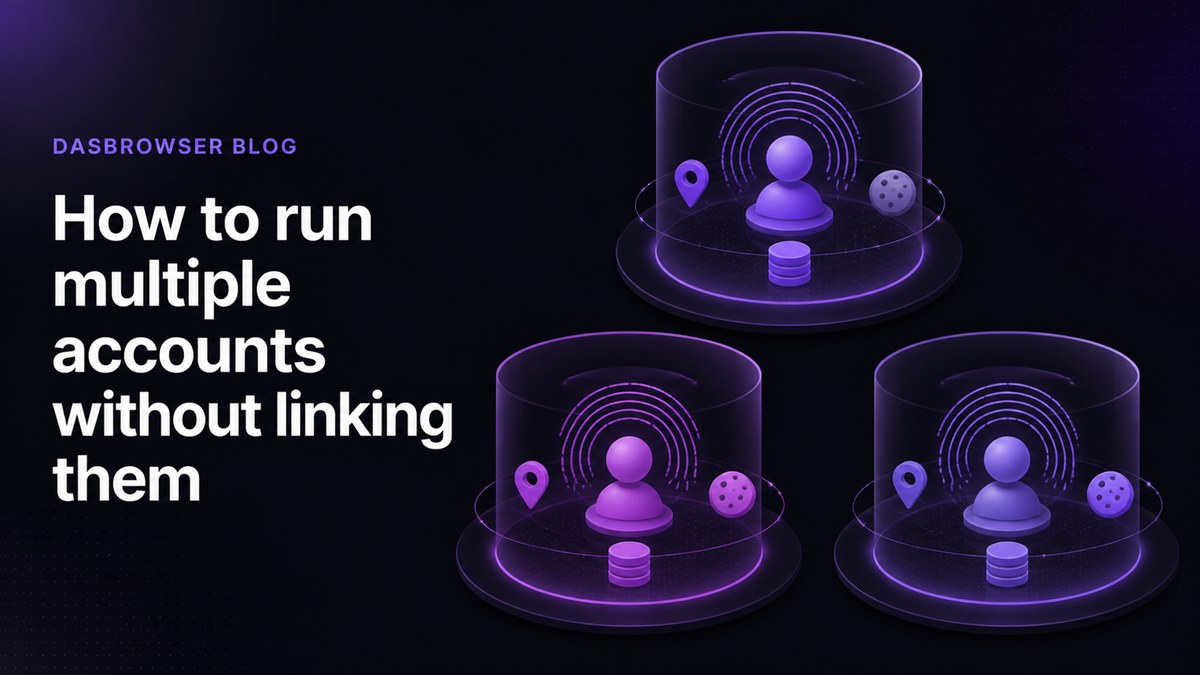
Real separation means each account looks like it comes from a different person on a different device in a different location. That requires three things Chrome profiles cannot provide:
- A unique fingerprint per profile: different screen resolution, GPU signature, font list, audio output and browser characteristics for each identity.
- A unique IP address per profile: each identity should have its own network location, not share a single household or office IP.
- Full storage isolation: cookies, local storage, IndexedDB and service workers should be completely separated with no cross-contamination.
This is what antidetect browsers are built for. Instead of sharing the underlying device identity across profiles, an antidetect browser creates a new device identity for each profile.
Dasbrowser is a free privacy browser that hides you from websites, not just your history from you. Each tab within a profile gets its own separate fingerprint, so even tabs inside the same profile cannot be linked together. Here is what that means in practice:
- Its own fingerprint: unique screen, GPU, audio, font and browser parameters that look like a real, consistent device
- Its own IP address: built-in proxy traffic is included free, so each profile appears from a different location
- Complete storage isolation: cookies, history, local storage and session data are fully separated between profiles
- One-sentence setup: pick a name, pick a location, start browsing. No proxy configuration, no fingerprint tuning, no technical knowledge required.
The difference is fundamental. Chrome profiles organize your browser data. Dasbrowser profiles isolate your identity.
When Chrome profiles are (and aren't) enough
Chrome profiles are not useless. They solve real problems, just not the problem most people think they solve.
Chrome profiles are fine for:
- Keeping work bookmarks and passwords separate from personal ones
- Logging into different Google accounts for email and calendar
- Letting a family member use their own bookmarks on a shared computer
- Organizing browser extensions by use case
Chrome profiles are not enough when:
- You manage multiple accounts on the same platform and need them to stay unlinked
- You want to prevent ad networks from connecting your browsing across profiles
- You need each profile to appear as a different device from a different location
- You run client accounts and a link between them could compromise your work
- You work multiple jobs or freelance contracts at the same time. Tools and services that employers use can fingerprint your browser and report device identity back to the employer automatically. If two companies see the same fingerprint showing up in their systems, your side gig stops being a secret
- You handle crypto wallets or financial accounts that need genuine isolation
If your goal is convenience and organization, Chrome profiles work. If your goal is actual identity separation, they do not, because the identity signals that matter are the ones Chrome profiles share.
FAQ
Do Chrome profiles share the same IP address?
Yes. Every Chrome profile on the same computer uses the same internet connection and the same IP address. Websites see identical network identity regardless of which profile you use.
Can websites detect multiple Chrome profiles on the same device?
Yes. Chrome profiles share the same browser fingerprint: identical GPU rendering, audio processing, installed fonts, screen resolution and dozens of other hardware signals. Fingerprinting scripts can match these signals across profiles and determine they come from the same device.
Is using multiple browsers better than Chrome profiles?
Slightly. Different browsers (Chrome, Firefox, Edge) produce different fingerprints because they render pages differently. But they still share the same IP address, screen resolution, timezone and installed fonts. Cross-browser fingerprinting research shows these shared signals are often enough to link sessions.
Do Chrome profiles hide my activity from employer monitoring tools?
Yes. Chrome profiles share the same device fingerprint. Tools and services that employers use can fingerprint your browser and report device identity back to the employer automatically. If the same fingerprint appears in two companies' systems, they can determine the same person is accessing both. Using Dasbrowser, each job gets its own profile with a unique fingerprint and IP address, so there is no overlap for anyone to find.
What is the difference between a Chrome profile and an antidetect browser profile?
A Chrome profile separates cookies, history and extensions but shares your device fingerprint and IP address with every other profile. An antidetect browser profile like Dasbrowser creates a completely separate identity: unique fingerprint, unique IP address and isolated storage. Websites see what looks like a different person on a different device in a different location.