Why accounts get linked
Answer: To run multiple accounts without linking them, give each account a separate browser profile with its own cookies, storage, fingerprint, and location. Do not mix personal logins, client accounts, and platform accounts inside the same browser environment.
Websites do not only look at usernames and passwords. They look at the environment around each login: cookies, local storage, IP address, timezone, language, browser version, screen size, WebGL behavior, Canvas output, and other device signals.
If two accounts repeatedly appear from the same browser environment, the platform may decide they are related. That can happen even when you log out, clear cookies, or use different tabs.
The basic rule: one identity, one environment
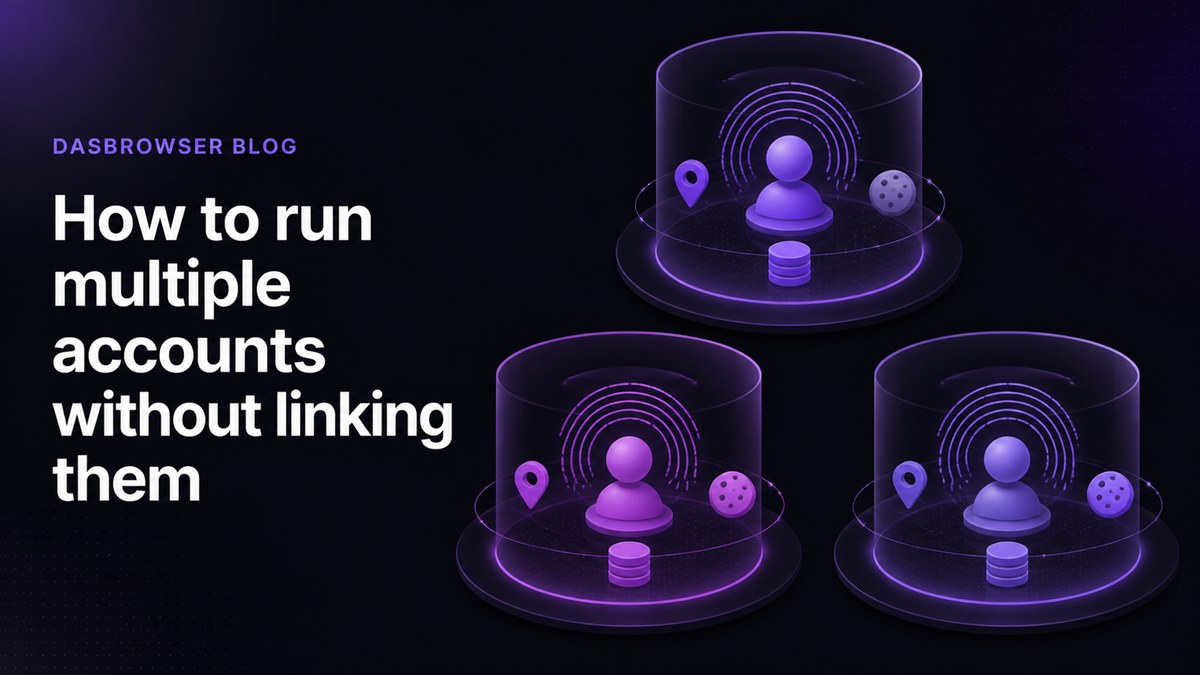
The safest workflow is simple: every account or persona should live in its own browser profile. A profile should keep its own cookies, storage, fingerprint, and location. It should not borrow data from your personal browsing or another account.
This is useful for ordinary workflows: separating work and personal life, managing client accounts, researching without polluting your main profile, using crypto accounts, testing location-specific pages, or keeping side projects separate.
Use stable identities, not random ones
A common mistake is constantly changing everything. If a profile looks like a laptop in Germany today, a phone in Brazil tomorrow, and a desktop in Singapore the day after that, the pattern looks unnatural.
Good separation is consistent. A profile should look like one believable person, on one believable device, in one believable location. That consistency builds a cleaner history for the account.
Separate does not mean chaotic. Each identity should be isolated, but stable.
Location has to match the profile
IP address is only one part of identity, but it is still important. If your browser timezone says Estonia and your IP says another continent, that mismatch can stand out. If several accounts share one IP, they can also become easier to connect.
That is why each profile should have its own location and network identity. The location should match the purpose of the account and stay consistent over time.
Do not mix sessions
A separate profile only works if you actually keep it separate. Do not sign into personal accounts inside a client profile. Do not reuse the same cookies across unrelated identities. Do not jump between profiles while carrying the same browser data with you.
The cleaner the boundaries, the less accidental linking you create.
How Dasbrowser simplifies the workflow
Traditional multi-account setups often require a browser, a proxy provider, a fingerprint checker, and a lot of manual configuration. That is too much work for most people who simply need separate identities.
Dasbrowser bundles the important pieces into one workflow. Create a profile, choose the name, purpose, and location, then start browsing. Behind the scenes, the profile is isolated from the others, with its own browser data, fingerprint, and built-in location setup.
A practical checklist
- Create a separate profile for every account or persona.
- Keep cookies, history, and storage isolated per profile.
- Use a consistent location for each profile.
- Do not mix personal logins into work or client profiles.
- Avoid changing fingerprints and locations randomly.
- Use Dasbrowser when you want separation without manual proxy and fingerprint setup.
Common mistakes that link accounts
Most account-linking problems come from small habits that feel harmless. The same browser profile gets reused for everything. A VPN is turned on for one account and off for another. Personal email is opened inside a client profile. The same device fingerprint appears behind several unrelated accounts.
Over time, those patterns create a graph. The website does not need one perfect identifier. It only needs enough repeated overlap to decide that two accounts probably belong to the same environment.
Example setup
A clean setup might look like this:
- One profile for personal browsing.
- One profile for work tools and work email.
- One profile per client account or client workspace.
- One profile for crypto wallets or sensitive financial activity.
- One profile for testing location-specific pages.
Each profile should keep its own cookies, storage, fingerprint, and location. That is the boundary that matters.
FAQ
Can I manage multiple accounts in one normal browser?
You can log into multiple accounts, but a normal browser often shares the same device fingerprint, storage patterns, and network identity across those accounts.
Is a VPN enough for multiple accounts?
No. A VPN changes network location, but it does not isolate cookies, local storage, browser fingerprints, or account behavior.
Should every account have a different location?
Every important identity should have a consistent location that matches its story. Randomly changing locations can look unnatural.
How does Dasbrowser make this simpler?
Dasbrowser lets you create isolated profiles with separate fingerprints, storage, and built-in location setup without configuring proxies or technical fingerprint settings manually.