The short version
Answer: A browser fingerprint is the set of technical signals your browser reveals to websites, including screen size, timezone, fonts, graphics behavior, language, browser version, and network clues. Sites combine these signals to recognize a browser even when cookies are cleared or incognito mode is used.
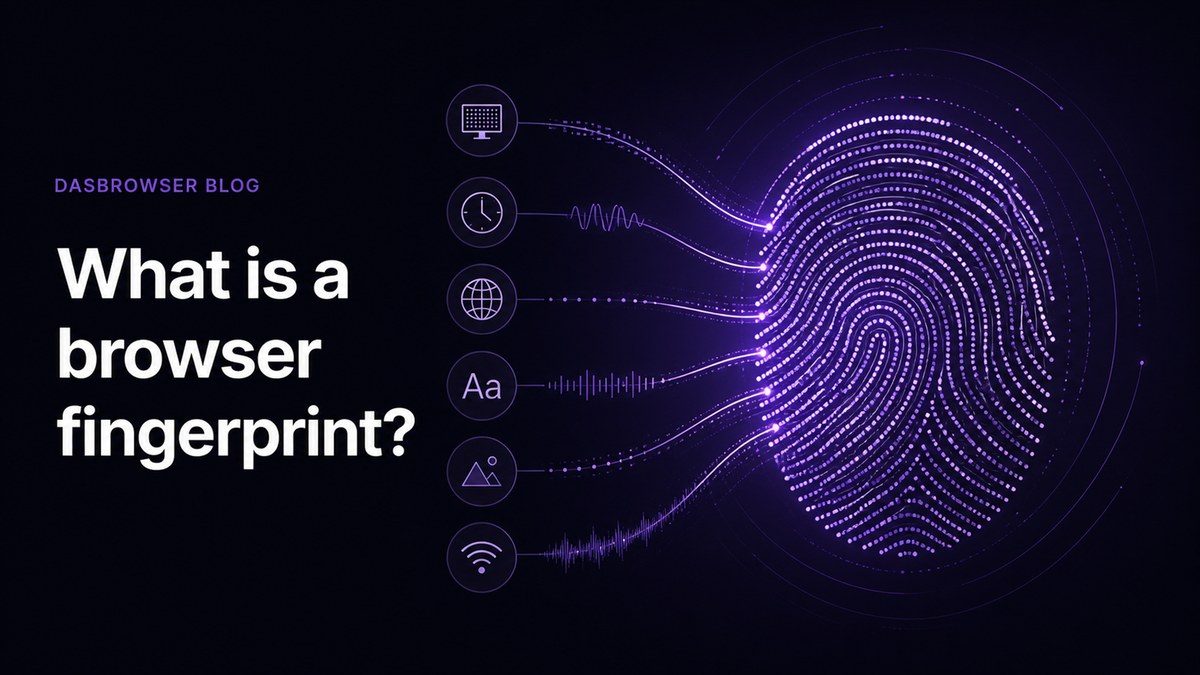
A browser fingerprint is a profile websites can build from the technical details your browser and device reveal. It can include your operating system, browser version, screen size, timezone, language, fonts, graphics behavior, audio behavior, WebRTC behavior, and network information.
None of those signals has to identify you on its own. The problem is the combination. When enough small details are combined, your browser can start to look familiar to websites even if you clear cookies or open a private window.
Cookies are stored in your browser. A fingerprint is inferred from how your browser and device look from the outside.
Why cookies are not the whole story
Most people understand cookies: a website stores a small file, and later it reads that file to remember you. You can delete cookies, block them, or use a private window to avoid keeping them after a session.
Fingerprinting works differently. A site can read signals your browser already exposes to render pages correctly. Your screen resolution, graphics renderer, available fonts, timezone, language, browser headers, and Canvas or WebGL output are not cookies. They are part of the environment websites see when you visit.
Why incognito does not reset your fingerprint
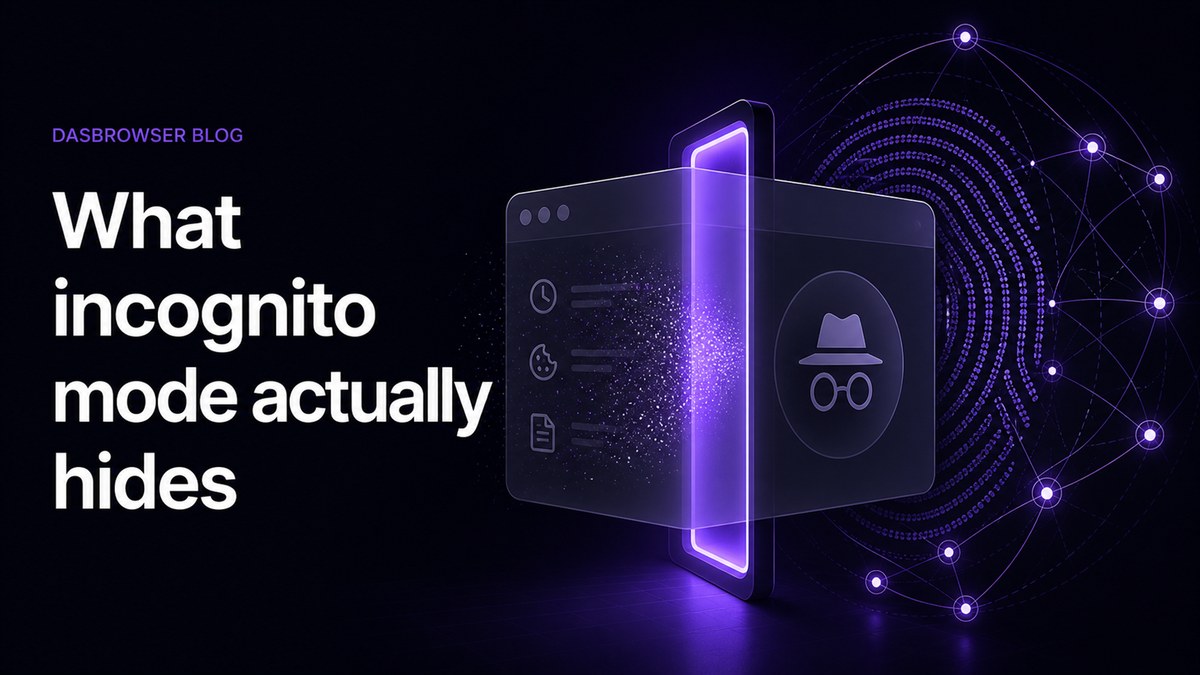
Incognito mode is useful for local privacy. It can stop browsing history, cookies, and temporary site data from being kept after you close the window. But it does not turn your laptop into a new device.
If the same browser on the same machine exposes the same screen, fonts, timezone, GPU behavior, language, and IP pattern, a website may still recognize that the sessions are related.
Why this matters for multiple identities
If you use one browser for work, personal accounts, client accounts, shopping, crypto, research, and side projects, websites may see all of that activity as coming from one environment. That can create unwanted links between accounts that you meant to keep separate.
This is why simple tab separation is not enough. A separate tab is still the same browser. A separate incognito window is still usually the same device profile. A separate identity needs its own browser environment.
How Dasbrowser approaches it
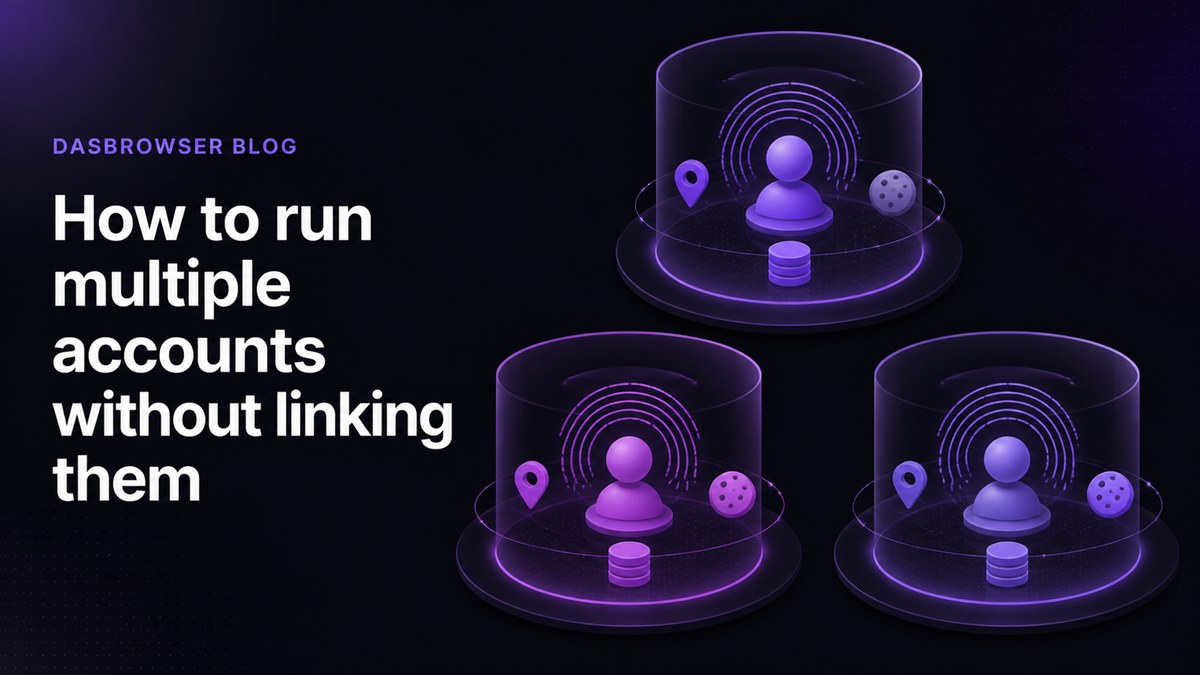
Dasbrowser is built around isolated profiles. Each profile is designed to act like a separate online identity, with its own cookies, storage, fingerprint, and location. The goal is not to make users configure dozens of technical fingerprint settings. The goal is to make identity separation simple enough for normal browsing.
You create a profile, choose what it is for, pick a location, and start browsing. Dasbrowser handles the technical separation in the background.
What to remember
- Deleting cookies does not delete your browser fingerprint.
- Incognito mainly protects local history, not how websites see your device.
- A VPN changes your IP, but it does not change browser-level signals.
- For separate online identities, you need separate browser profiles, fingerprints, storage, and locations.
Browser fingerprinting vs cookies
Cookies are explicit storage. A site writes data into your browser and reads it later. Fingerprinting is passive comparison. A site looks at the environment your browser presents and asks, “Have I seen this exact combination before?”
That difference matters because many privacy habits focus only on cookies. Clearing cookies can remove login sessions and ad IDs, but it does not change the underlying device signals. If the same signals keep appearing together, a website can still make a probabilistic connection.
Common fingerprint signals
Fingerprinting usually combines many small signals. Typical examples include:
- Browser version and user agent.
- Operating system and device type.
- Screen size, color depth, and pixel ratio.
- Timezone, language, and locale settings.
- Installed fonts and media capabilities.
- Canvas, WebGL, and audio rendering behavior.
- IP address, WebRTC behavior, and network location.
One signal can be common. The full combination can be rare. That is why privacy requires more than deleting one identifier.
FAQ
Is a browser fingerprint the same as a cookie?
No. A cookie is stored data. A browser fingerprint is inferred from technical signals your browser exposes while loading websites.
Can incognito mode hide my browser fingerprint?
No. Incognito can discard local browsing data after the session, but it usually keeps the same device, browser, timezone, screen, and graphics signals.
Does a VPN stop browser fingerprinting?
A VPN can change your IP address, but it does not change browser-level signals like Canvas, WebGL, fonts, timezone, or screen size.
How does Dasbrowser help?
Dasbrowser creates isolated profiles with separate storage, fingerprints, and locations so accounts do not all appear from the same browser environment.