Incognito is local privacy
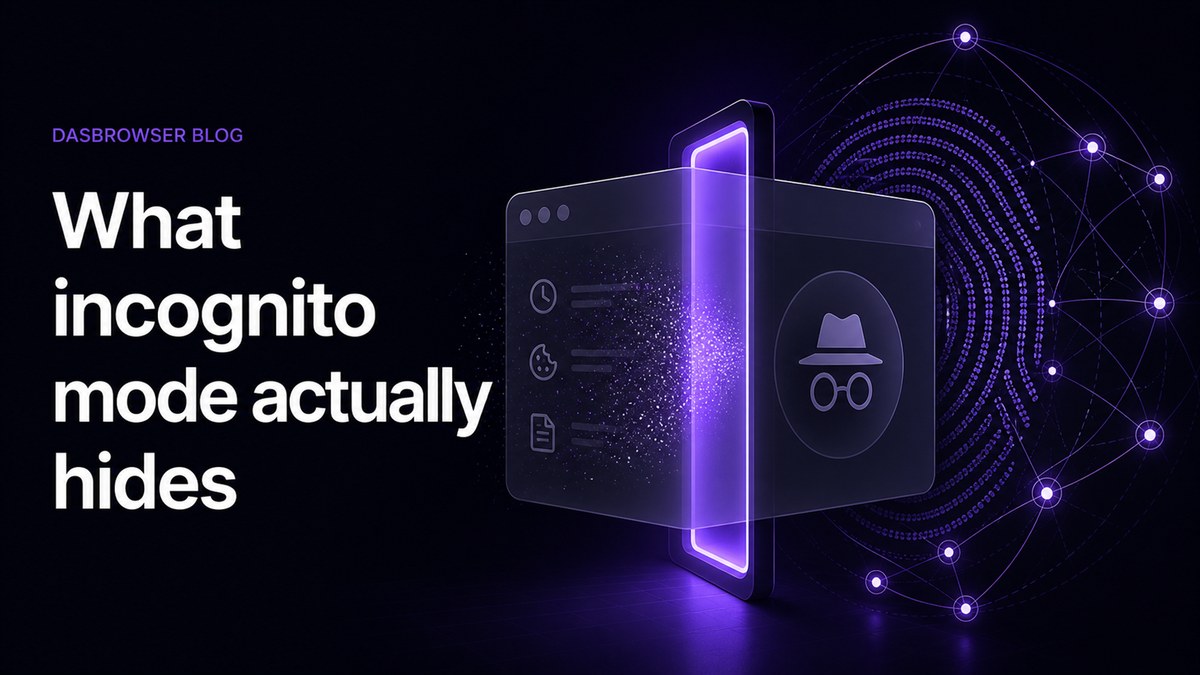
Answer: Incognito mode hides browsing traces from your own device after the private session ends. It does not hide your IP address from websites, does not reset your browser fingerprint, and does not create a separate long-term online identity for work, personal, or client accounts.
Private or incognito windows are mostly designed to keep browsing traces off your own device after the session ends. When you close the window, the browser can discard temporary cookies, cache, form data, and history from that private session.
That is useful when you share a computer, test a site without your normal cookies, or do not want a page to appear in local history.
What incognito does not hide
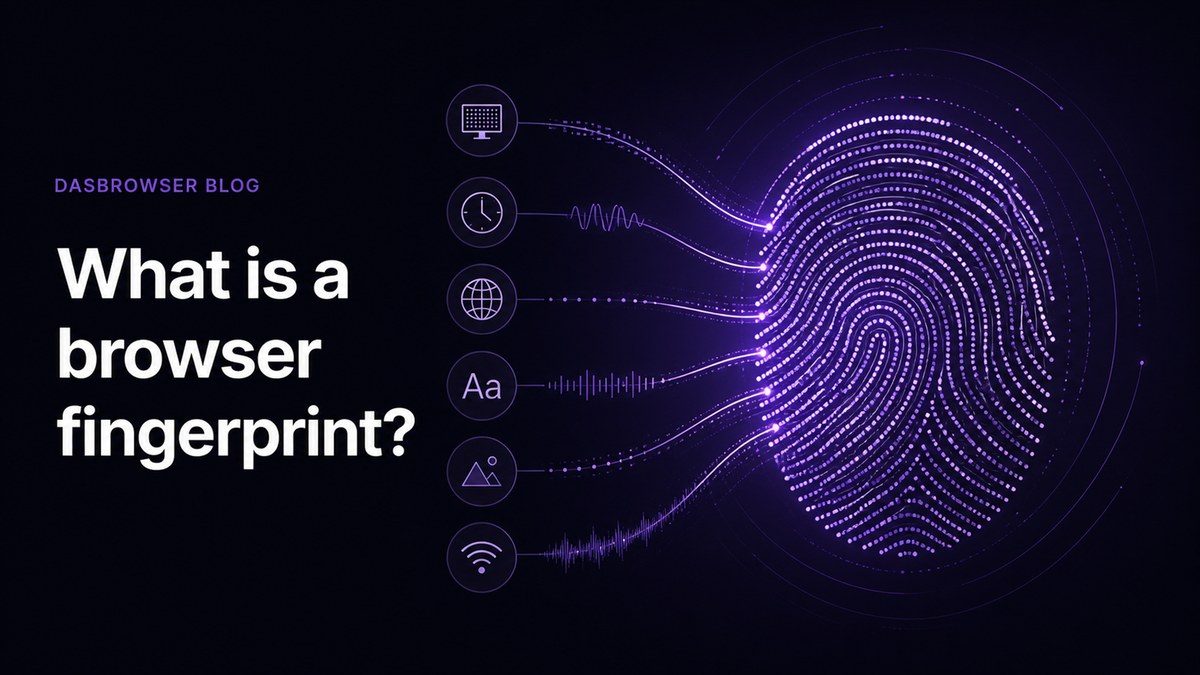
Incognito does not automatically hide who you are from websites. During the session, websites can still see technical signals from your browser and device. They can still see your IP address, browser version, language, timezone, screen size, and many fingerprinting signals.
Your internet provider, workplace network, school network, and the sites you visit may still be able to see traffic or account activity. Private mode is not a VPN, not a proxy, and not a new device.
Incognito hides browsing history from your device. It does not make every website see a different person.
Why this matters for multiple accounts
If you use incognito to switch between accounts, you may avoid some cookie overlap, but you are still usually browsing from the same device fingerprint and location. For websites with account-risk systems, that can be enough to connect sessions that look separate to you.
This is why people end up logging in and out, clearing cookies, using separate browsers, buying proxies, or opening more private windows. The workflow becomes messy, and it still does not solve the whole identity problem.
Private windows vs isolated profiles
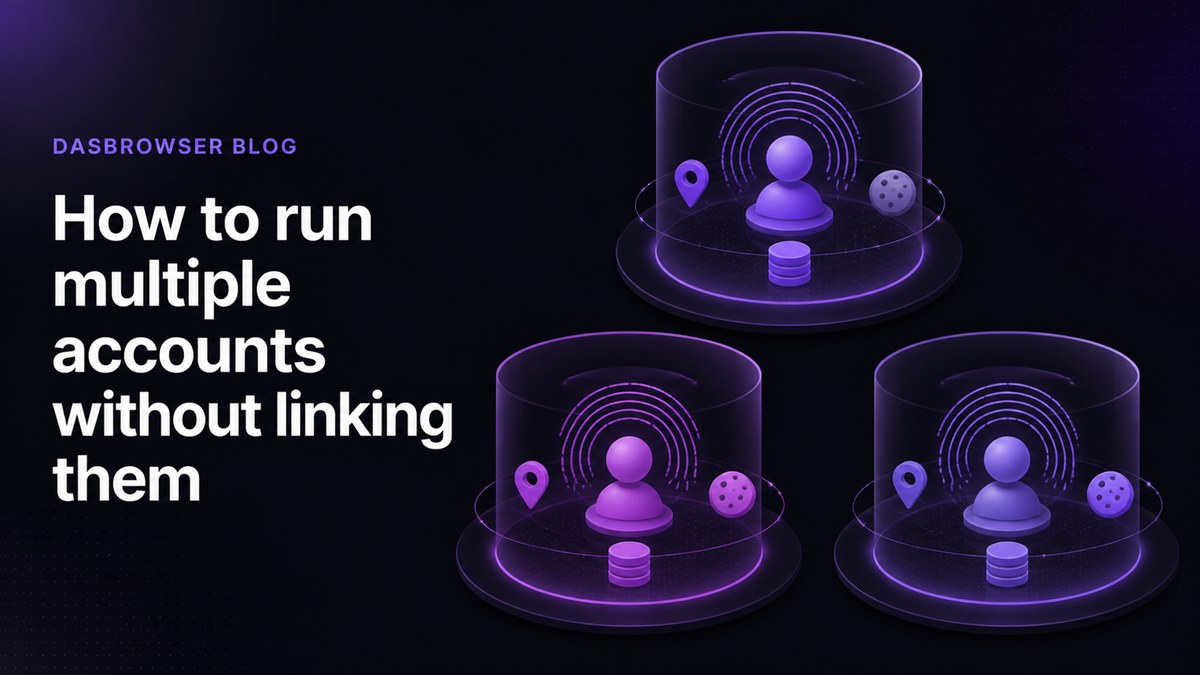
An isolated profile is different. A profile can keep its own cookies, storage, fingerprint, and location over time. Instead of disappearing when you close a private window, the identity remains consistent for the account it belongs to.
That consistency matters. A work profile should keep looking like the same work identity. A personal profile should stay separate. A client profile should not share cookies, session data, or browser signals with everything else you do.
How Dasbrowser fits
Dasbrowser is built for persistent identity separation. Instead of asking you to manually combine incognito windows, VPNs, proxy tools, and fingerprint settings, it gives each profile its own environment. You choose the identity, location, and purpose. Dasbrowser handles the rest.
The practical result is simple: use incognito when you only need local privacy. Use Dasbrowser when you need websites to see separate identities.
Incognito vs Dasbrowser
The difference is the goal. Incognito is temporary. Dasbrowser profiles are persistent. Incognito helps you avoid saving local history. Dasbrowser helps you keep online identities separate over time.
That makes Dasbrowser more useful when you need to return to the same account tomorrow without mixing it with everything else you do in your main browser.
Quick comparison
| Need | Incognito | Dasbrowser profile |
|---|---|---|
| Hide local history after closing | Yes | Profile keeps its own history |
| Separate cookies per identity | Temporary | Persistent |
| Separate browser fingerprint | No | Yes |
| Separate location per profile | No | Built in |
| Useful for long-term account separation | Limited | Yes |
FAQ
Does incognito hide my IP address?
No. Websites and network operators can still see the network address used during the private session.
Can websites track me in incognito?
Yes. Websites can still use account logins, IP address, browser fingerprinting, and session behavior while the incognito window is open.
Is incognito enough for multiple accounts?
Usually no. It can reduce cookie overlap, but it does not give each account its own persistent fingerprint, storage, and location.
When should I use Dasbrowser instead?
Use Dasbrowser when you want separate long-term profiles for work, personal browsing, client accounts, social accounts, or crypto wallets.