Answer: Incognito mode hides your browsing history from people who share your device. It does not hide your activity from websites, your ISP, your employer, or advertisers. Your IP address, browser fingerprint, and logged-in accounts remain fully visible. For real online privacy, you need identity isolation — separate browser profiles with unique fingerprints and IP addresses.
Most people open an incognito window and assume they've gone invisible. That assumption is wrong, and Google paid for it. In 2023, Google settled a $5 billion class-action lawsuit after users discovered that Chrome kept tracking their activity in incognito mode. The settlement forced Google to destroy billions of private browsing records, but no cash was paid to affected users.
If incognito mode were actually private, there would have been no data to destroy.
What incognito mode actually does
When you open an incognito window in Chrome (or a "private window" in Firefox, Safari, or Edge), your browser makes three temporary changes:
- Stops saving browsing history — the pages you visit won't appear in your history after you close the window
- Isolates cookies for the session — cookies from your normal browsing don't carry over, and cookies set during incognito are deleted when you close the window
- Clears form data — anything you type into search bars or forms isn't saved
That's it. Those three things. Everything else about your connection stays exactly the same as normal browsing.
Incognito mode was designed for one scenario: using a shared computer. If your roommate, coworker, or family member uses the same laptop, incognito keeps your browsing session off the local history. It was never designed to make you anonymous online.
What incognito mode does not hide
Your IP address
Every website you visit sees your real IP address, the unique number assigned to your internet connection. Your IP reveals your approximate location (city-level), your internet provider, and can be used to link your activity across websites.
Incognito mode does not change, mask, or hide your IP address in any way.
Your internet provider sees everything
Your ISP (internet service provider) handles every connection request your device makes. Incognito mode runs inside your browser. Your ISP operates outside it. Opening an incognito window is like whispering in a room where the walls have microphones. The walls don't care that you're whispering.
Your ISP can see every domain you visit, when you visit it, and how much data you transfer. In the United States, ISPs have been legally allowed to sell this browsing data since 2017, when Congress rolled back FCC privacy protections.
Your browser fingerprint
Most people have never heard of this, and most articles about incognito skip it.
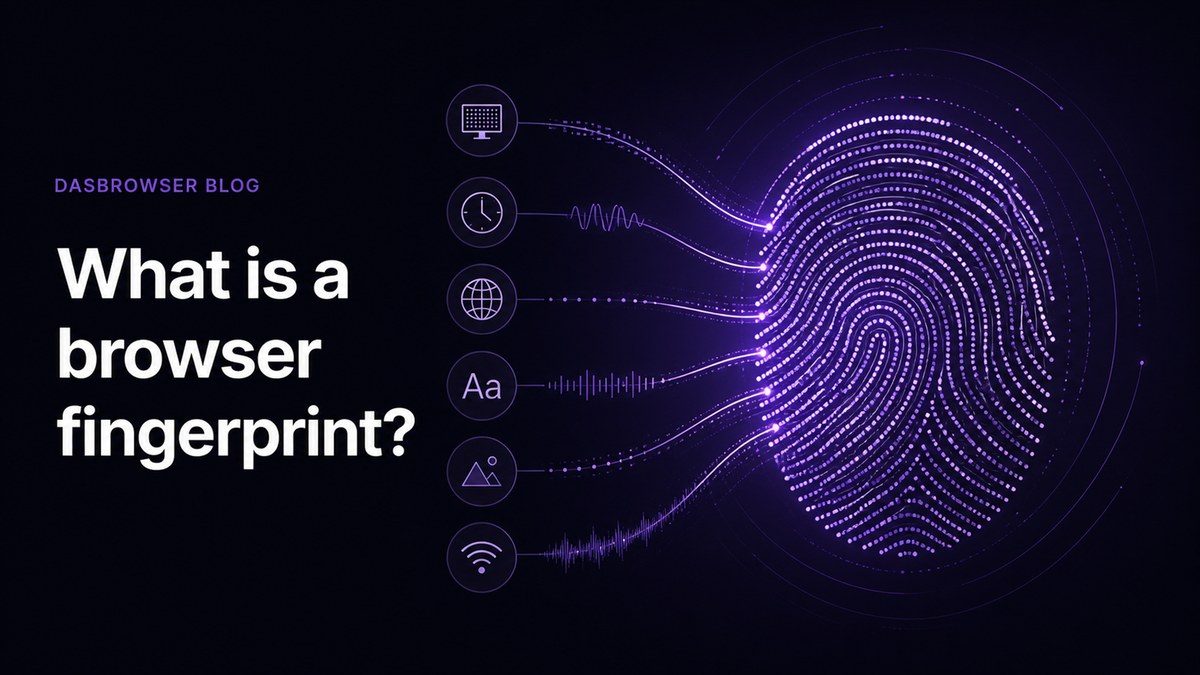
Your browser has a fingerprint: a combination of your screen resolution, installed fonts, graphics card, operating system, timezone, language settings, and dozens of other technical details. Together, these details create a profile so unique that research shows browser fingerprinting identifies individual users with 94% to 99.7% accuracy — without cookies.
According to the Electronic Frontier Foundation's foundational research, 83.6% of browsers have completely unique fingerprints, with 18.1 bits of identifying entropy from browser attributes alone.
Incognito mode does not change your browser fingerprint. Not a single parameter. You look identical in incognito as you do in a normal window. Websites, ad networks, and data brokers use this fingerprint to track you across sessions, across websites, and across time. Incognito or not.
Your employer or school network
If you're on a company or school network, the network administrator can see your traffic. Incognito mode doesn't encrypt your connection or route it differently. It's a browser feature, not a network tool.
Your logged-in accounts
If you sign into Google, Facebook, Amazon, or any other service while in incognito mode, that service knows it's you. Logging in defeats the purpose entirely — the website ties your session to your account regardless of the browsing mode.
The five things incognito doesn't protect you from
| Threat | Does incognito help? | Why not |
|---|---|---|
| Websites tracking your visits | No | They see your IP address and browser fingerprint |
| ISP monitoring your traffic | No | ISP operates at the network level, outside the browser |
| Browser fingerprinting | No | Your fingerprint is identical in normal and incognito mode |
| Employer/school surveillance | No | Network admins see all traffic on their network |
| Ad networks following you across sites | Partially | Cookies reset per session, but fingerprinting bypasses this |
The one "partially" in that table is why incognito feels like it works. You might notice fewer personalized ads right after opening an incognito window because the cookies are gone. But fingerprinting-based tracking can reconnect your session to your existing advertising profile. The ads catch up.
Why VPNs only solve half the problem
Most articles about incognito mode limitations recommend a VPN. A VPN hides your IP address, and that's useful. But a VPN does nothing about your browser fingerprint.
Think of it this way:
- Your IP address is like your home address on the envelope of a letter
- Your browser fingerprint is like your handwriting inside it
A VPN changes the address on the envelope. But your handwriting stays the same. Websites that use fingerprinting (and most ad-tech companies do) can still identify you across sessions, even with a VPN running.
Real privacy means changing both the envelope and the handwriting.
What actually works: identity isolation
Identity isolation means creating separate browser identities, each with its own fingerprint, IP address, cookies, and session data. Instead of trying to hide within your existing browser, you present a different identity to each website or service.
Where incognito mode forgets your local history, an antidetect browser gives you a different browser identity for every profile you create.
Dasbrowser is a free privacy browser that hides you from websites — not just your history from you. Here's how identity isolation works in practice:
- Unique fingerprint per profile — each browser profile has its own screen resolution, fonts, graphics card signature, timezone, and language settings. Websites see a completely different browser every time.
- Dedicated IP address per profile — built-in proxy traffic is included. No need to buy a separate VPN or configure proxy settings.
- Full cookie and session isolation — cookies, local storage, and session data are separated between profiles. Logging into Gmail in one profile doesn't touch another.
- One-sentence setup — pick a name, pick a location, start browsing. No technical configuration.
The difference matters. Incognito mode makes your single browser identity forget things. Identity isolation gives you separate identities that were never connected in the first place.
When incognito mode is (and isn't) enough
Incognito mode still has legitimate uses:
Incognito is fine for:
- Signing into a website on someone else's computer
- Checking how a webpage looks without your cached version
- Quick searches you don't want in your browser history
- Testing a website without your logged-in cookies
You need identity isolation when:
- You manage multiple accounts on the same platform
- You want websites to stop recognizing you across visits
- You need to appear as different users from different locations
- You're concerned about fingerprint-based tracking
- You want genuine separation between work, personal, and client browsing
FAQ
Does incognito mode hide your IP address?
No. Incognito mode does not change, mask, or hide your IP address. Every website you visit in incognito sees the same IP address as in normal browsing. To hide your IP, you need either a VPN or a browser with built-in proxy support like Dasbrowser, which assigns a different IP address to each browser profile.
Can your ISP see what you do in incognito mode?
Yes. Your ISP handles your internet connection at the network level. Incognito mode only affects what your browser saves locally. Your ISP can see every domain you visit, when you visit it, and how much data you transfer — incognito or not.
Does incognito mode prevent browser fingerprinting?
No. Your browser fingerprint — the combination of your screen resolution, fonts, graphics card, timezone, and other technical details — is identical in incognito and normal mode. Research shows fingerprinting identifies users with 94% to 99.7% accuracy, and incognito does nothing to change any of the parameters used.
Is incognito mode completely useless?
Not completely. It does what it was designed for: keeping your browsing history off the local device. If you share a computer and don't want the next person to see where you've been, incognito works. The problem is that most people expect it to do much more than that.