Answer: To keep two remote jobs separate on one computer, each job needs its own browser identity: a unique fingerprint, a unique IP address and isolated storage. Chrome profiles and separate browsers do not provide this because they share the same device fingerprint. Dasbrowser creates a distinct identity per tab, so each job looks like a different person on a different device.
Working two remote jobs from the same computer is more common than most people admit. A growing number of remote workers hold two or more full-time positions, sometimes called polyworking or overemployment. The motivation is straightforward: double the income, same desk.
The risk is also straightforward. If either employer discovers the overlap, you lose one or both jobs. And the most common way they discover it has nothing to do with your performance. It comes down to your device leaving the same fingerprint across both companies' tools.
What employers actually see
According to a 2026 workplace surveillance report, 78% of companies now use some form of employee monitoring software. These tools collect far more than you might expect:
- Browser activity: every website visited, how long you stay, what you type into search bars
- Application usage: which apps are open, how long they are active, when you switch between them
- Screenshots: periodic captures of your screen, often every 5 to 10 minutes
- Keystroke patterns: typing speed, idle periods, input frequency
- Network connections: which servers your machine connects to, when, and how much data flows
- Device identity: hardware fingerprint, installed software, system configuration
Even when your employer does not install dedicated monitoring software, the web tools you use every day collect data too. Slack, Google Workspace, Microsoft 365, Jira, Notion and most SaaS platforms log device metadata with every session. That metadata includes your browser fingerprint and IP address.
How your browser gives you away
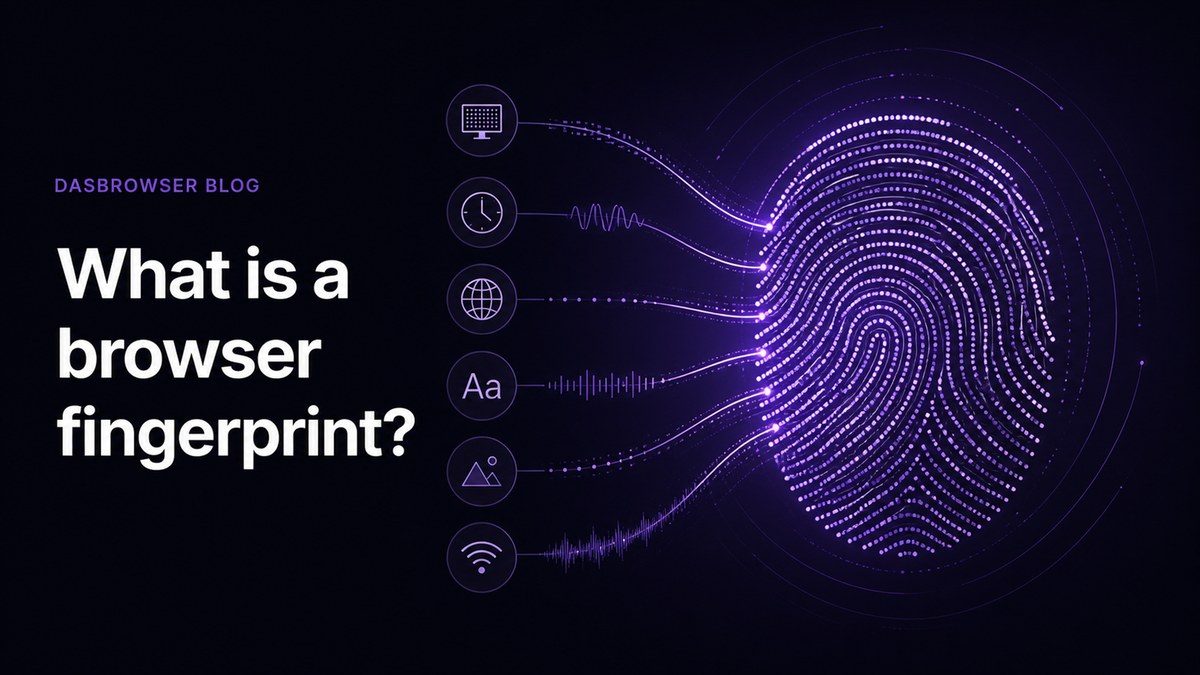
Your browser fingerprint is a combination of hardware and software signals: screen resolution, graphics card, installed fonts, timezone, language, operating system, audio processing characteristics and more. Research from the Electronic Frontier Foundation found that 83.6% of browsers produce a completely unique fingerprint.
When you log into Job 1's Slack workspace in the morning and Job 2's project dashboard in the afternoon, both services see the same fingerprint. If both employers use the same analytics provider, ad network or identity resolution service, that shared fingerprint can link the two sessions together automatically.
This is not a hypothetical scenario. Third-party data sharing between employers and analytics platforms is a documented practice. A 2026 Northeastern University study found that employee monitoring tools routinely share worker data with third parties including Microsoft, Google and Facebook.
The two-laptop approach (and why it is expensive)
The standard advice in overemployed communities is simple: use a separate laptop for each job. This works because each machine has genuinely different hardware, producing different fingerprints.
But it comes with costs:
- A second laptop runs $800 to $1,500 for something that looks professional on camera
- You need a KVM switch ($30-100) to share your monitor, keyboard and mouse between machines
- Managing two separate operating systems, updates and configurations doubles your maintenance
- Having two laptops on your desk during a video call is visually suspicious
- The approach does not scale. If you pick up a third job, you need a third laptop, another KVM port and more desk space. Some people juggle four or five roles. A separate machine for each one turns your home office into a server rack.
If your employer provides a managed device with pre-installed monitoring software, a separate physical machine is the safest route. You cannot easily control what runs on hardware you do not own.
But if you use your own computer, or you have more than two jobs to keep separate, there is a simpler approach.
Keeping two jobs separate on one computer
The goal is to make each job look like it comes from a different person on a different device in a different location. That requires three things:
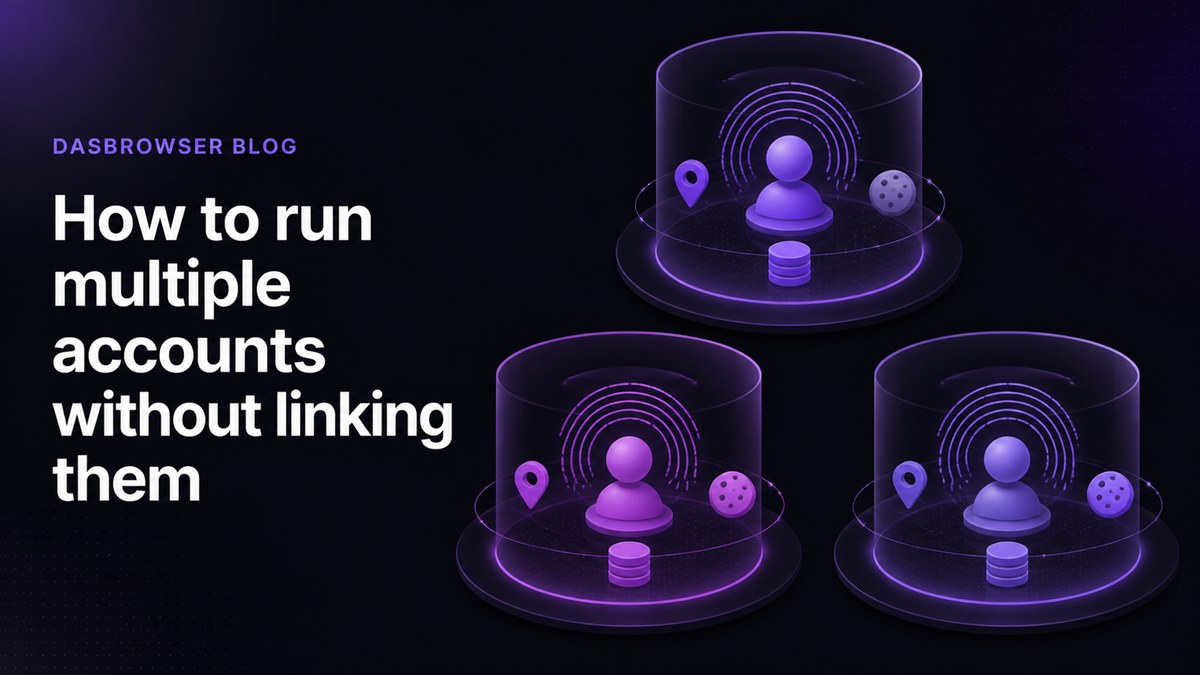
- A unique browser fingerprint per job: different screen resolution, GPU signature, font list, audio output and browser characteristics so each job sees a different device
- A unique IP address per job: each job should connect through a different network location so there is no shared IP linking the two
- Complete session isolation: cookies, local storage, login sessions and cached data must be fully separated so nothing leaks between jobs
Dasbrowser is a free privacy browser that hides you from websites, not just your history from you. Each tab gets its own unique fingerprint and IP address, with built-in proxy traffic included free. No shared hardware signals, no overlapping network identity, no second laptop required.
A practical two-job setup in Dasbrowser looks like this:
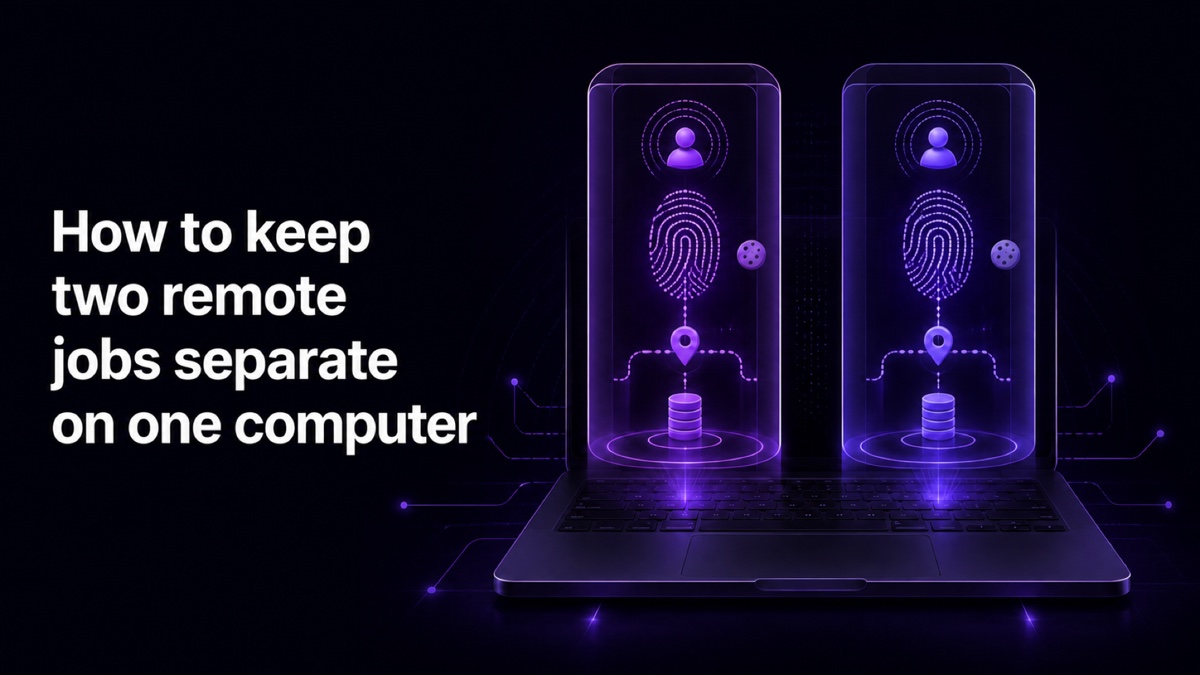
- Tab 1 (Job 1): its own fingerprint, its own IP location, its own cookies and login sessions for Slack, email, Jira and all Job 1 tools
- Tab 2 (Job 2): a completely different fingerprint, different IP location, separate cookies and login sessions for all Job 2 tools
- Personal browsing: a third tab with its own identity for personal email, banking and anything not work-related
From the outside, each tab looks like a different person on a different computer in a different city. From your side, it is one browser window on one machine.
Why Chrome profiles are not enough
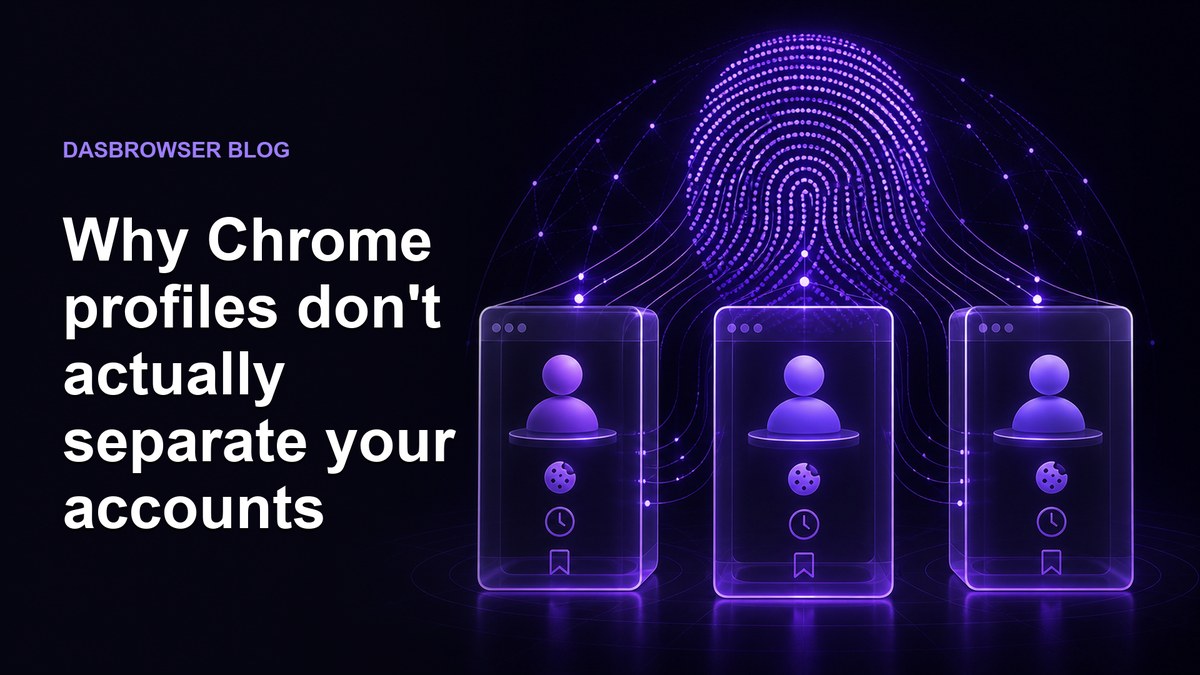
Chrome profiles separate cookies, history and bookmarks. But every profile on the same device shares the same browser fingerprint and IP address. The same is true for using separate Chromium-based browsers like Chrome, Edge, Brave or Vivaldi.
If Job 1's analytics platform and Job 2's project tracker both fingerprint your browser, they see the same device. Chrome profiles give you organizational convenience, not identity separation.
| Approach | Separate cookies | Separate fingerprint | Separate IP | Cost |
|---|---|---|---|---|
| Chrome profiles | Yes | No | No | Free |
| Multiple browsers | Yes | Partial | No | Free |
| VPN | No | No | Yes | $5-15/mo |
| Second laptop | Yes | Yes | No (same Wi-Fi) | $800-1,500 |
| Dasbrowser | Yes | Yes | Yes | Free |
A practical setup for two jobs on one machine
Here is a checklist for keeping two remote jobs cleanly separated on a single computer:
- Use a browser that gives each job its own fingerprint and IP address
- Never log into Job 1 tools from the Job 2 tab, and vice versa
- Keep personal browsing in a separate tab with its own identity
- Use consistent locations for each job. If Job 1 thinks you are in Austin, stay in Austin. Do not change locations randomly.
- Be careful with copy-paste. Pasting content from one job's document into another job's chat is one of the most common ways people get caught.
- Check your calendar carefully. Overlapping meetings are the other common failure point.
- Do not connect to your employer's VPN from a tab that shows a different location. The mismatch is a red flag.
The technical separation handles the device identity problem. The operational habits handle everything else.
FAQ
Can my employer see that I have another job?
If both jobs share the same device fingerprint and IP address, yes. Monitoring tools and web services that employers use can collect your browser fingerprint and report it. If the same fingerprint appears in two companies' systems, the overlap is detectable. Separate browser profiles with unique fingerprints and IP addresses prevent this.
Is it illegal to work two remote jobs at the same time?
In most countries, no law prevents you from holding two jobs. However, your employment contract may include non-compete or exclusivity clauses that restrict it. Check your contracts before taking a second role.
Do I need two laptops to work two remote jobs?
Not necessarily. Two laptops are the safest option if your employer provides managed devices with pre-installed monitoring software. But if you use your own computer, a browser with per-tab identity isolation like Dasbrowser can give each job its own fingerprint, IP address and storage without a second machine.
Can Chrome profiles keep two jobs separate?
Chrome profiles separate cookies and browsing history, but they share the same device fingerprint and IP address. Any service that fingerprints your browser will see identical hardware signals across both profiles. For jobs that need real separation, each profile needs its own fingerprint and network identity.
What does Dasbrowser do differently for multi-job setups?
Dasbrowser gives each tab its own unique browser fingerprint and IP address, with built-in proxy traffic included free. Your Job 1 tab looks like a completely different device in a different location from your Job 2 tab. No shared hardware signals, no overlapping network identity, no second laptop required.