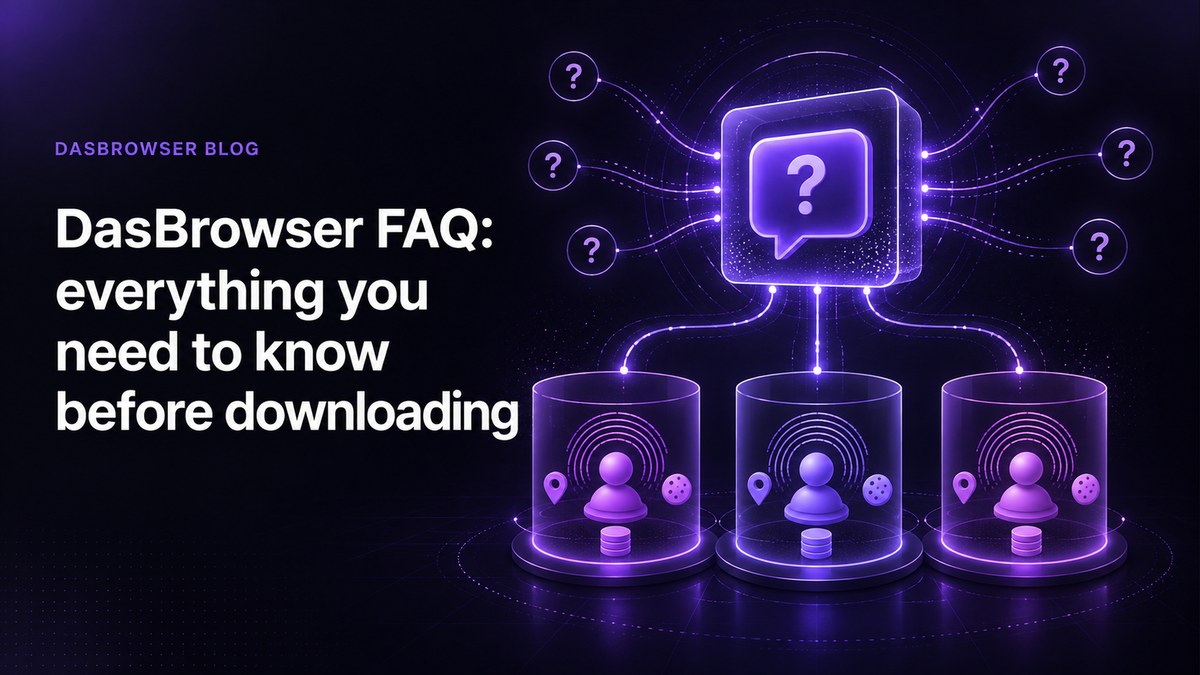
Dasbrowser FAQ: everything you need to know before downloading — Is Dasbrowser safe? Is it really free? How does it compare to incognito mode and VPNs? Answers to every question about Dasbrowser in one place.
What is Dasbrowser?
Dasbrowser is a free privacy browser that hides you from websites — not just your history from you. Most browsers protect your local history. Dasbrowser protects your online identity. Every profile you create gets its own browser fingerprint, IP address, cookies, and session data. Websites see a completely different person for each profile. The practical result: you can manage separate accounts, separate work from personal browsing, or keep client projects isolated — all from one computer, without juggling multiple browsers or buying proxy subscriptions.
Is Dasbrowser really free?
Yes. Dasbrowser is free. Not free-trial free. Not freemium free. Free. There are no paid tiers. There is no subscription to cancel. There is no premium plan hiding behind a 7-day trial. Most antidetect browsers charge $50 to $300 per month. Many of the ones that call themselves "free" still require you to buy proxies separately — which can cost $20 to $100 per month depending on the provider. Dasbrowser includes built-in residential proxy traffic with every profile. No third-party proxy setup, no extra cost. If you are wondering what the catch is: there is no catch. Dasbrowser is built on the belief that privacy tools should be accessible to everyone, not locked behind enterprise pricing.
Is Dasbrowser safe?
Yes. Dasbrowser is designed with a privacy-first architecture. Your data stays on your device. Browser profiles, cookies, session data, and fingerprint configurations are stored locally. There is no cloud sync, no server-side storage, and no account required. If your computer is secure, your Dasbrowser data is secure. Dasbrowser does not collect or track your browsing activity. There is no telemetry, no analytics on your browsing behavior, and no data sold to third parties. Why local storage matters. In January 2025, AdsPower — an antidetect browser with 9 million users — suffered a security breach. Attackers tampered with browser extensions and stole an estimated $4.7 million in cryptocurrency from user wallets. The attack was possible because user data lived in the cloud. Dasbrowser's local-first design removes that attack surface entirely. Your profiles never leave your machine.
Is using an antidetect browser legal?
Yes. An antidetect browser is a browser with enhanced privacy features. Using one is legal in the same way that using a VPN, a privacy-focused browser like Brave, or an ad blocker is legal. Dasbrowser does not bypass security systems or exploit vulnerabilities. It creates separate browser environments — each with its own fingerprint, cookies, and IP address — so that accounts do not accidentally share identifying signals. What you do with any browser is governed by the terms of service of the websites you visit and the laws of your jurisdiction. The browser itself is a privacy tool, not a circumvention tool.
How is Dasbrowser different from incognito mode?
Incognito mode clears your local browsing history when you close the window. That is all it does. It does not change your IP address, your browser fingerprint, or how websites identify your device. Dasbrowser creates persistent, isolated identities. Each profile has its own fingerprint, IP address, cookies, and storage that persist across sessions. When you reopen a profile tomorrow, the identity is still intact — websites see the same consistent person, not your main browser leaking signals from other accounts. For a deeper comparison, see Is incognito mode actually private?
How is Dasbrowser different from a VPN?
A VPN changes your IP address. That is useful, but it solves only one part of the identity problem. Your browser fingerprint — the combination of screen size, GPU, fonts, timezone, language, and dozens of other signals — stays identical with or without a VPN. Websites that use fingerprinting can still recognize your device across sessions, even if your IP changes every time. Dasbrowser changes both. Every profile gets a unique fingerprint and a unique IP address through built-in proxies. You do not need to buy a VPN or a separate proxy service. If you already have a VPN, Dasbrowser works alongside it — but you do not need one.
Do I need to buy proxies?
No. Built-in residential proxies are included with every Dasbrowser profile at no cost. Each profile gets its own IP address without any configuration. This is one of the biggest differences between Dasbrowser and other antidetect browsers. Most competitors either require you to bring your own proxies or sell proxy access as a paid add-on. Dasbrowser includes proxy traffic as part of the browser. There is nothing extra to buy, configure, or manage.
What platforms does Dasbrowser support?
Dasbrowser is available for Windows and macOS. Download it at dasbrowser.com/download. The installer is under 18 MB. Each profile runs efficiently — you can have multiple profiles open at the same time without noticeable slowdown.
How do I create a profile?
One sentence. Pick a name, pick a location, and start browsing. There is no technical configuration required. You do not need to understand fingerprinting, proxy protocols, or browser settings. Dasbrowser handles the technical separation in the background. If you can install a browser, you can use Dasbrowser.
Where is my data stored?
Locally on your device. All profile data — cookies, session storage, fingerprint settings, browsing history — is stored on your computer. Nothing is sent to a server. This means: - You own your data. There is no cloud account to hack, no server to breach, no subscription to maintain. - No account required. You do not need to sign up, verify an email, or create a password to use Dasbrowser. - Portability. Your data lives on your machine. If you stop using Dasbrowser, your data does not sit on someone else's server.
What can I use Dasbrowser for?
Dasbrowser is built for anyone who needs separate online identities on one device. Multiple social media accounts. Manage client accounts, personal accounts, and business accounts without platforms linking them through shared cookies or fingerprints. See how to run multiple accounts without linking them. Freelancer client separation. Keep each client's tools, logins, and browsing isolated in its own profile. No risk of accidentally leaking one client's data into another's session. Crypto wallet isolation. Each wallet gets its own browser environment with separate cookies, fingerprint, and IP address. No cross-contamination between wallets. Remote work identity separation. If you work remotely and need to keep work browsing separate from personal browsing — or separate two jobs from each other — Dasbrowser keeps each identity isolated. See how to keep two remote jobs separate on one computer. E-commerce and marketplace accounts. Run multiple seller or buyer accounts without platform detection linking them through device signals.
How does Dasbrowser compare to paid antidetect browsers?
Most antidetect browsers charge monthly subscriptions and require you to buy proxies separately. Dasbrowser takes a different approach. Dasbrowser is designed for people who need identity isolation without the complexity and cost of enterprise antidetect tools. If you need advanced team collaboration, API automation, or hundreds of concurrent profiles, a paid tool may be a better fit. For individual use — managing accounts, separating identities, protecting privacy — Dasbrowser does the job for free.
How is Dasbrowser different from incognito mode?
| Feature | Incognito | Dasbrowser profile |
|---|---|---|
| Hides local browsing history | Yes | Profile keeps its own history |
| Separate cookies per identity | Temporary (deleted on close) | Persistent |
| Separate browser fingerprint | No | Yes |
| Separate IP address | No | Yes (built-in proxy) |
| Useful for long-term account separation | No | Yes |
How does Dasbrowser compare to paid antidetect browsers?
| Feature | Dasbrowser | Typical paid antidetect |
|---|---|---|
| Price | Free | $50–$300/month |
| Built-in proxies | Yes, included | No (buy separately, $20–$100/month) |
| Profile setup | One sentence | Manual fingerprint configuration |
| Data storage | Local (your device) | Cloud (provider's servers) |
| Account required | No | Yes |
FAQ
Is there a paid version or subscription?
No. Dasbrowser is free. There are no paid tiers, no subscriptions, no trial periods, and nothing to cancel. Built-in proxies are included at no cost.
Can Dasbrowser be detected?
Dasbrowser creates realistic, consistent browser environments for each profile. Each profile has a coherent set of fingerprint signals — not random noise, but a believable identity. No antidetect browser can guarantee zero detection, but Dasbrowser's approach prioritizes consistency over randomization, which is harder for detection systems to flag.
How many profiles can I create?
There is no hard limit. You can create as many profiles as your device can handle. Each profile is lightweight.
Does Dasbrowser work with all websites?
Dasbrowser is a full Chromium-based browser. Any website that works in Chrome works in Dasbrowser. This includes social media platforms, marketplaces, banking sites, email providers, and SaaS tools.
Can I import profiles from another antidetect browser?
Not currently. Each Dasbrowser profile is created fresh to ensure clean fingerprint isolation.
How do I update Dasbrowser?
Updates are automatic. Dasbrowser checks for updates on launch and installs them on the next restart. No manual downloads needed.